Free · no ads

Your songwriting studio, with an assistant that knows music theory.

Armon.ai brings genres, harmony, rhythms, synths, mixing and mastering, your songs and your projects together in one place. The AI assistant knows them all and helps you write, analyze and study.

Sign in with Google, Apple or email. No credit card.

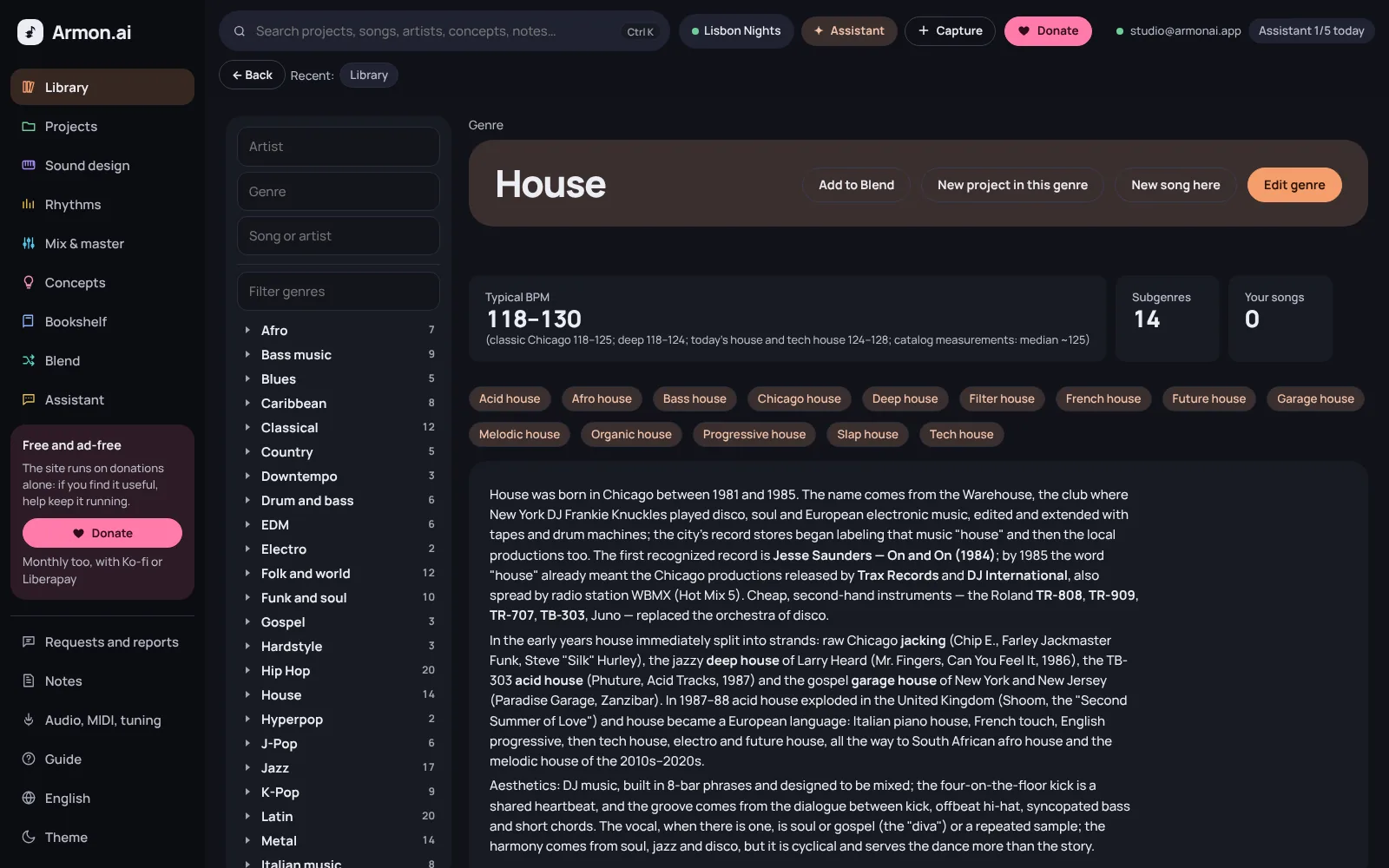
Armon.ai: the House genre page with typical BPM, subgenres and history
310genres and subgenres
499theory lessons
148drum patterns
32synths explained
182mixing guides

Everything you need to write music

Each section has its own color, just like in the app. Everything is linked: from a genre you open a project, from a project you ask the assistant.

Library

Every genre taken apart, piece by piece

310 genres and subgenres with their typical scales, progressions, rhythms, instruments, synths, structure and mix. You import your own artists and songs, even from a playlist.

  • Composition sheets with chords, sections and piano roll
  • Search your songs for a chord progression
  • Import artists and songs from a list or a CSV
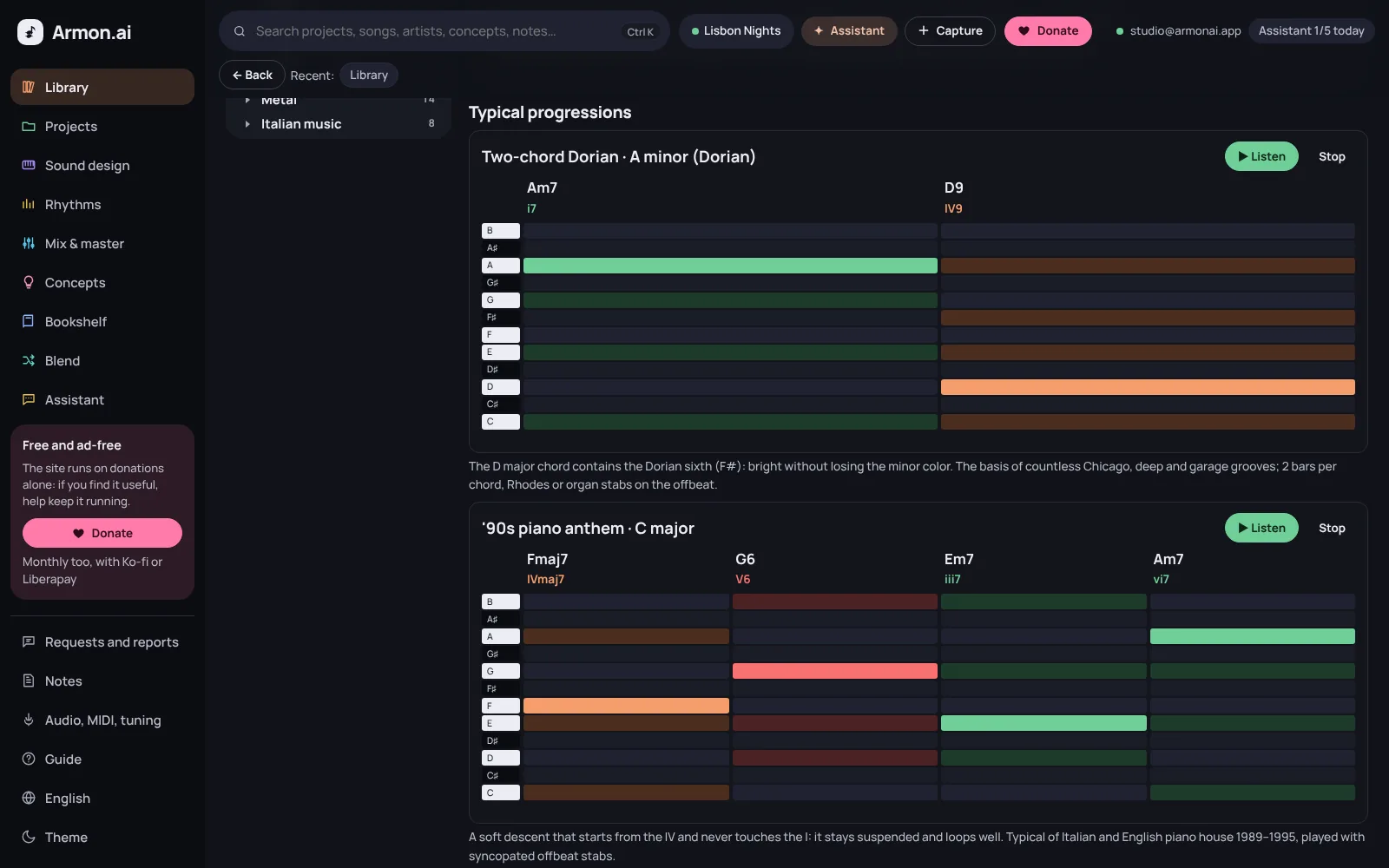
A genre page in Armon.ai: typical progressions with the chord piano roll
Projects

The song you're writing, all on one page

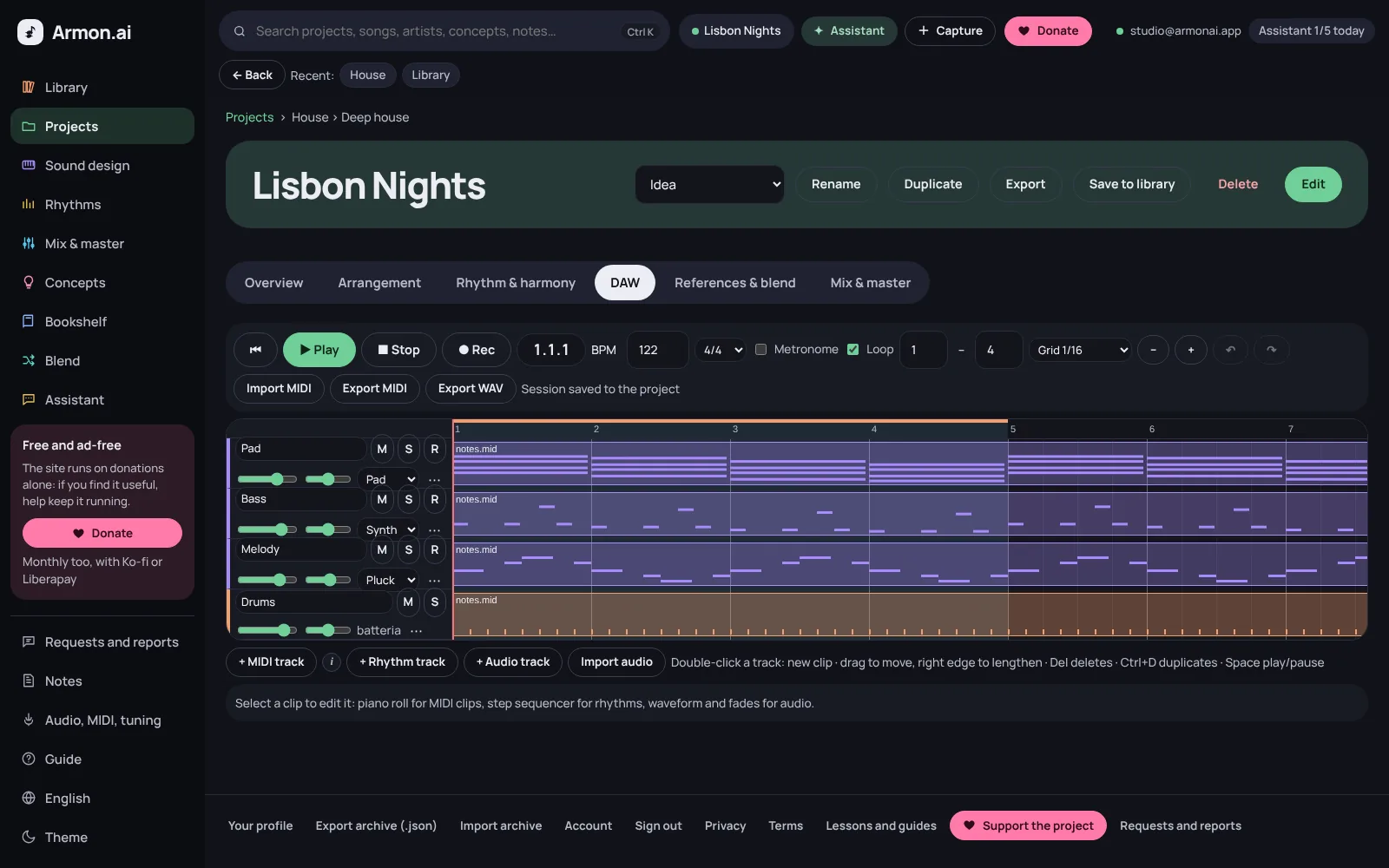
Harmony, references to blend, sound design, rhythm, mix analysis and notes for every song. Inside there's a small DAW to sketch the idea.

  • Tracks, clips, recording and piano roll
  • Import and export MIDI, export to WAV
  • Pick up where you left off, even offline
A project's DAW in Armon.ai with pad, bass, melody and drum tracks
Sound design

Synths explained control by control

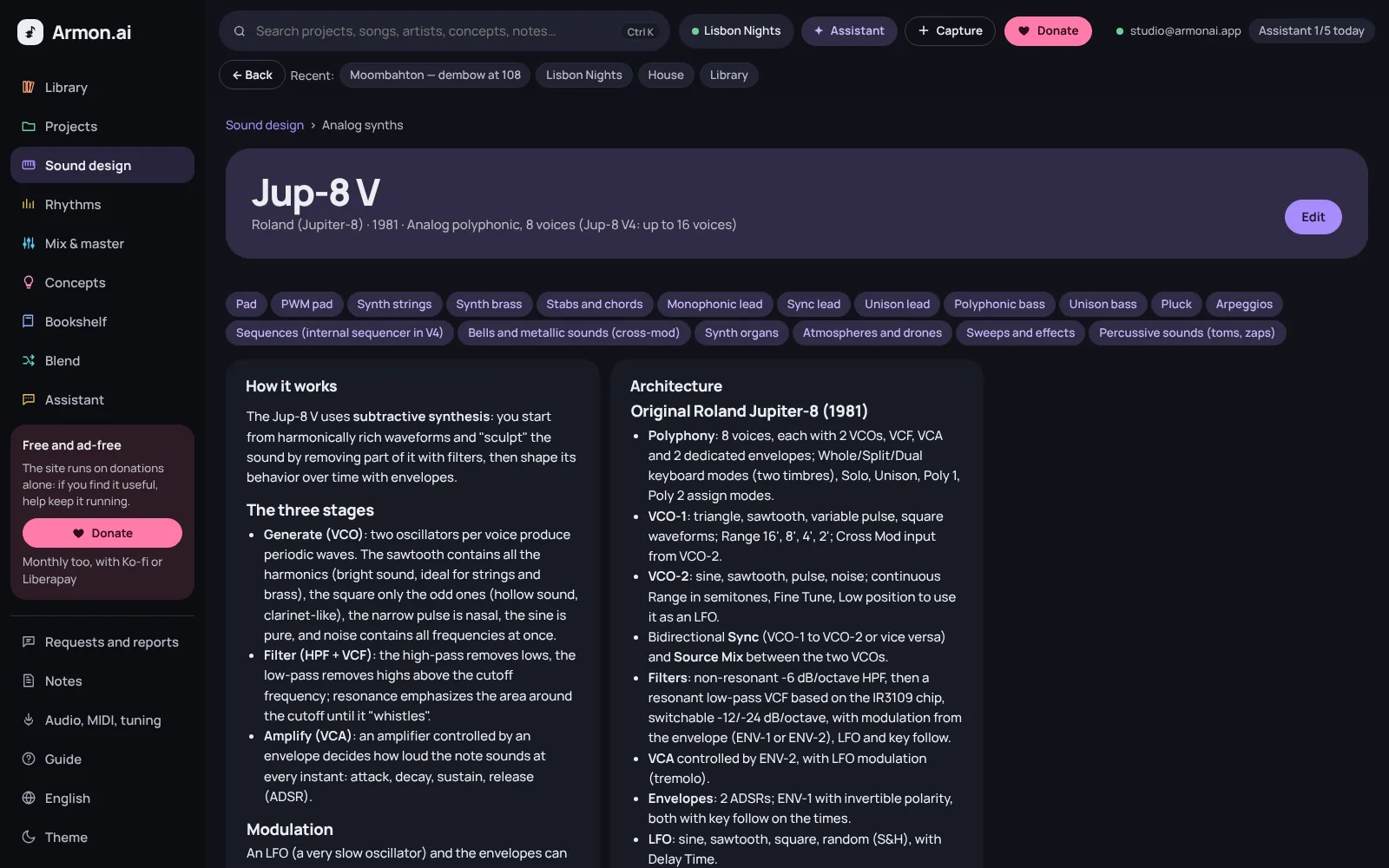
32 virtual instruments with their architecture, every knob explained and presets to recreate. A/B experiments compare one change at a time at the same perceived loudness.

  • How each synth's sound engine works
  • Your presets with parameters, tone and role
  • Loudness-matched A/B comparison
A synth page in Armon.ai: how it works and its architecture, control by control
Rhythms

Grooves from every genre, to play and change

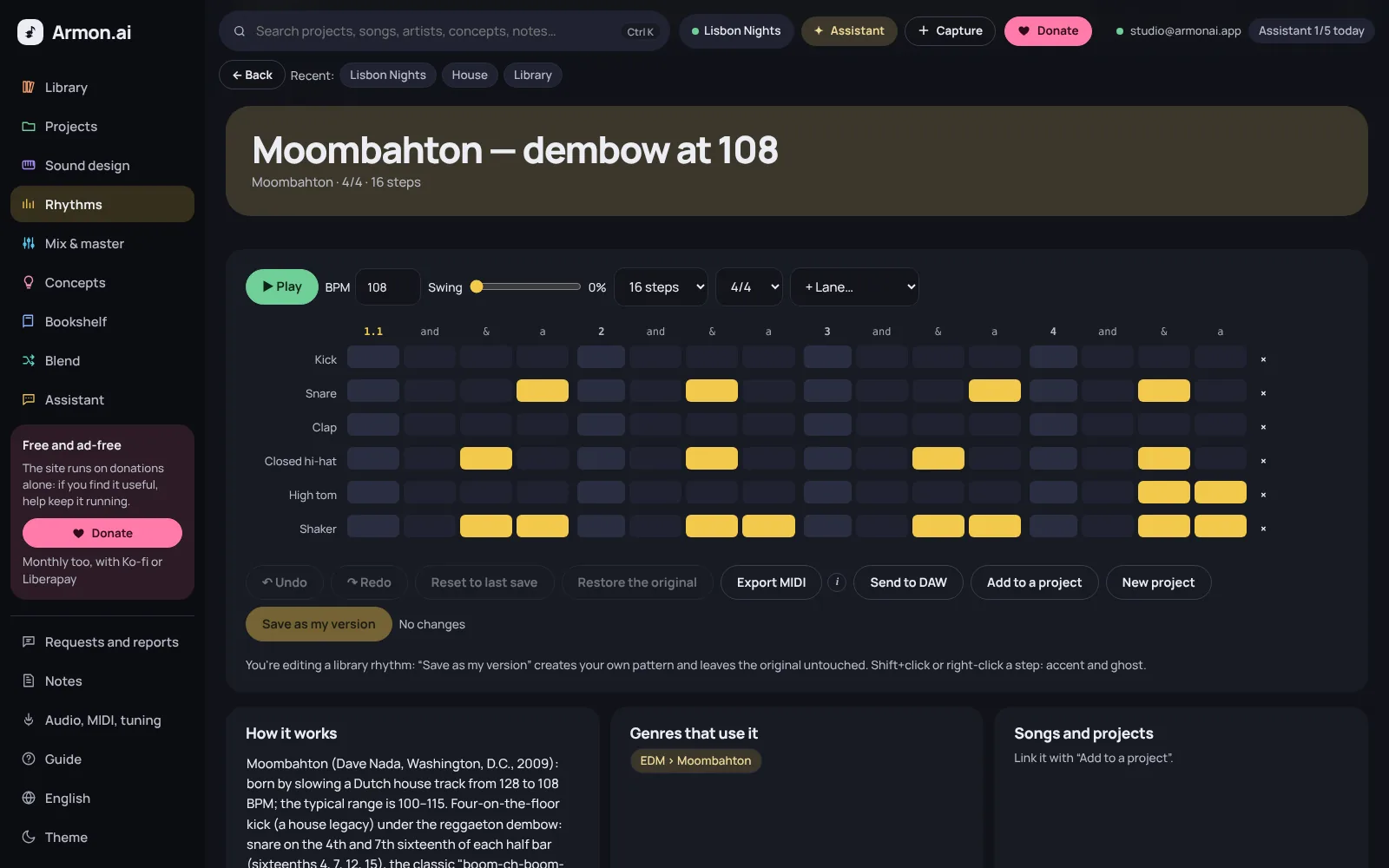
148 genre beats in the step sequencer: play them, change swing, tempo and accents, save your version and send it to the project's DAW.

  • Drum patterns by genre, 16 steps or more
  • Undo, redo and restore the original
  • Export to MIDI or send to the DAW
The rhythm step sequencer in Armon.ai with a drum pattern
Mix and master

Measure your files and see what to fix

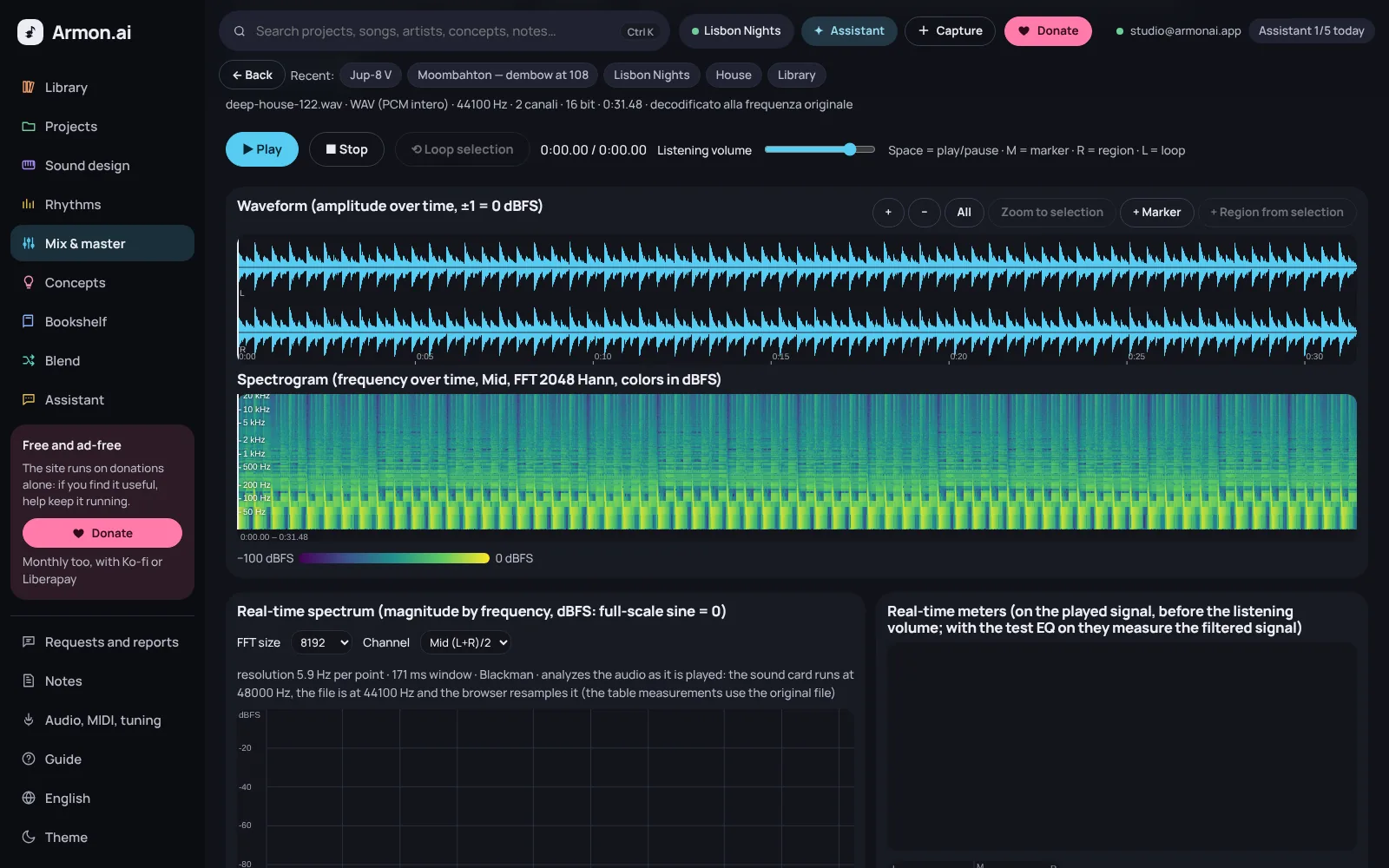
Load a track or a mix: loudness, dynamics, spectrum and stereo image measured in your browser, compared with 182 guides on instruments, processors, genres and workflow stages.

  • Analysis from a single instrument to the master
  • Guides to processors, genres and technical measurements
  • Measurements are computed in your browser
The mix lab in Armon.ai: waveform and spectrogram of a loaded file
Concepts

499 theory lessons with ear-training, reading and construction exercises: 10-question sets and your progress.

Assistant

It knows your archive and the active project, looks things up in your books and reads the images you attach. It changes nothing without your consent.

Blend

Put up to four songs or genres on the table: shared keys, tempo and scale degrees, and a proposal for blending them.

Bookshelf

Upload the PDFs of the music books you study (up to 5): the text is indexed page by page and the assistant looks things up in it.

Audio, MIDI, pitch

MIDI controllers, latency, a virtual keyboard and a vocal pitch monitor. The microphone turns on only when you ask.

Notes

Your music notebook: ideas, exercises and project decisions, saved automatically and linked to the library.

Anywhere, even offline

It runs in the browser on computer, tablet and phone. You can install it as an app: without a connection you still open your pages and keep working.

Import your music

Paste “Artist - Title” or upload a playlist CSV: the entries stay in your account only and the assistant fills them in.

Learn for free, no account needed

The whole Armon.ai library is open: read it here, or open it in the app for exercises, listening and explanations from the assistant.

Free, for real

No subscriptions, no ads, no data sold.

Free account

  • Every feature and the whole library
  • 5 assistant requests a day
  • 200 MB for your files and 5 PDF books
  • Works offline too
Create an account

With your own key

  • Assistant with no daily limit
  • Web search in the answers
  • You pay Anthropic directly for what you use
  • The key stays in your browser
Open the app

Privacy

  • Only you can see your projects
  • A single technical cookie, to keep you signed in
  • Visits counted anonymously
  • Export or delete everything whenever you like
Read the privacy policy

Frequently asked questions

How much does it cost?

Nothing. The account is free and includes 5 assistant requests a day, 200 MB for your files and up to 5 PDF books. There are no subscriptions and no ads.

Can I use the assistant without limits?

Yes, with your own Anthropic API key: you enter it in Account, it stays in your browser only and you pay Anthropic directly for what you use. That also turns on web search.

Do donations unlock anything?

No. Donations are voluntary and don't add features: they keep the site running and free for everyone, paying for the server and the free assistant's requests.

Is my data private?

Projects, notes, files and imported songs are visible only to you. You can export everything or delete your account at any time. The site uses a single technical cookie to keep you signed in and counts visits anonymously.

Do I need to install anything?

No: it runs in the browser, on computer, tablet and phone. You can install it as an app from the browser and open it even without a connection.

How do I sign in?

With Google, with Apple or with email and password. When you sign up you get a recovery code: keep it safe, because the site doesn't send emails.

Ready to write your next song?

Create an account in a minute and import the music you listen to.